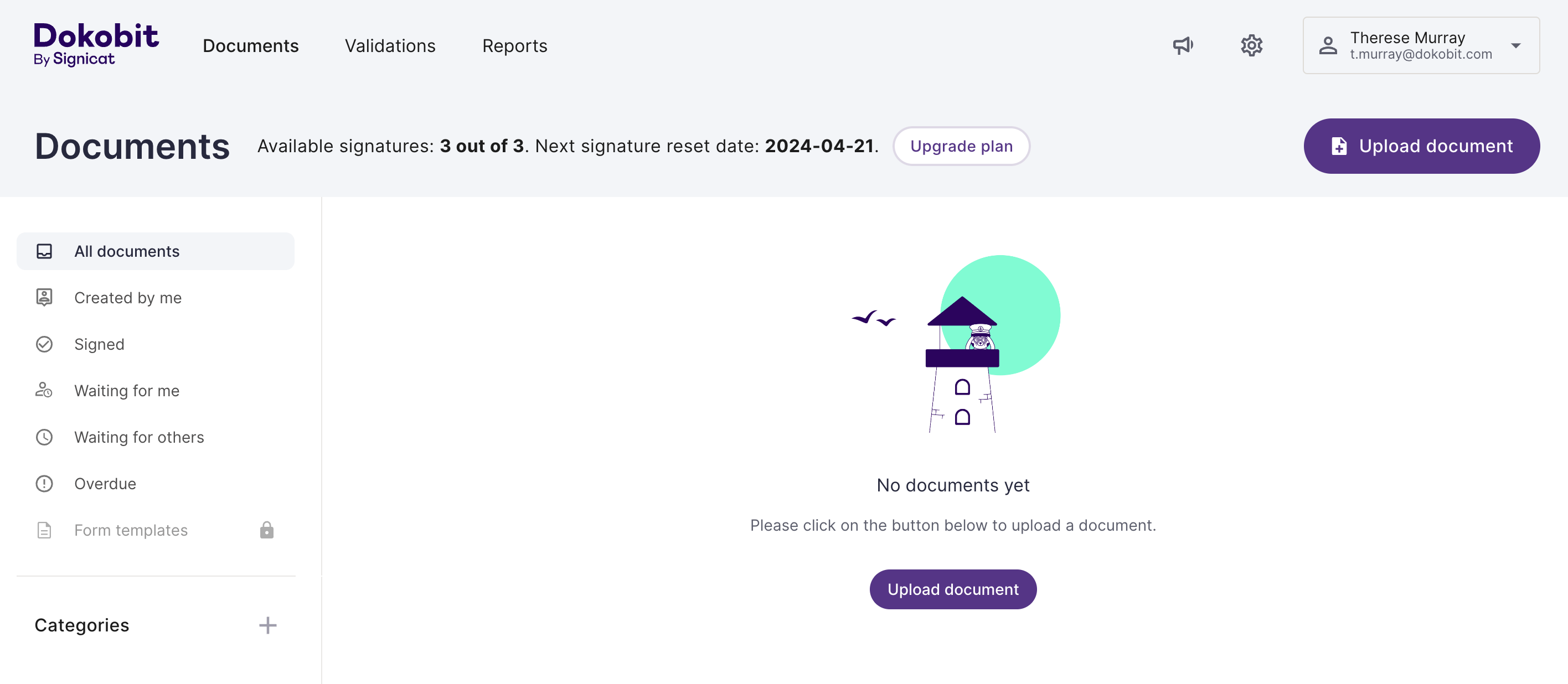
This guide explains how to log in to the Dokobit Portal after registering your account.
1. Go to the Dokobit Portal login page. Alternatively, if you're using the mobile app, open it on your device.
2. Select your country and preferred eID tool.
3. Follow the on-screen instructions to verify your identity using your chosen eID tool. Please note that the authentication flow differs depending on the eID tool you select.
4. Once your identity has been successfully verified, you are logged in to the Dokobit Portal.