If you've outgrown the Free plan and would like to gain access to more e-signatures or maybe create a company account and invite your colleagues to join you on Dokobit by Signicat, you can upgrade to one of our subscriptions.
For individuals, we recommend our Professional plan subscription. For team players, we believe the Business plan will meet your daily needs. But if you're part of a larger establishment with additional logistical requirements that have to be met – in that case, the Enterprise plan might be the way to go.
If you're not sure which plan would be most suitable for your needs, you can reach out to us at sales@dokobit.com to find out more. We also recommend checking out our price guide to see a detailed comparison here.
Below you will find instructions on how to purchase a paid plan subscription.
How to purchase a subscription
1. Log in to the portal and press the Upgrade plan button located at the top of the page.

Alternatively, you can go to Settings and choose the Subscription & billing category on the left. Then, in the Overview section, press Upgrade plan.
2. Pick the appropriate plan by pressing the Choose plan button.
If you end up picking the Business plan, for an extra cost, you'll be able to purchase additional users for your account if needed. For this subscription, you can also purchase a single-user account if it is intended for one person only.
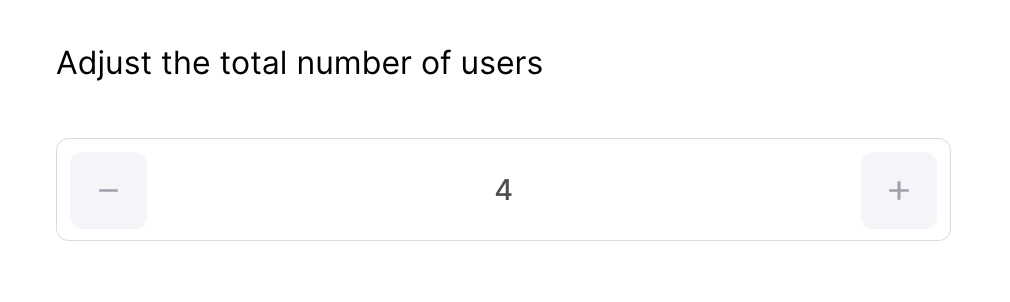
3. Select the desired billing cycle.
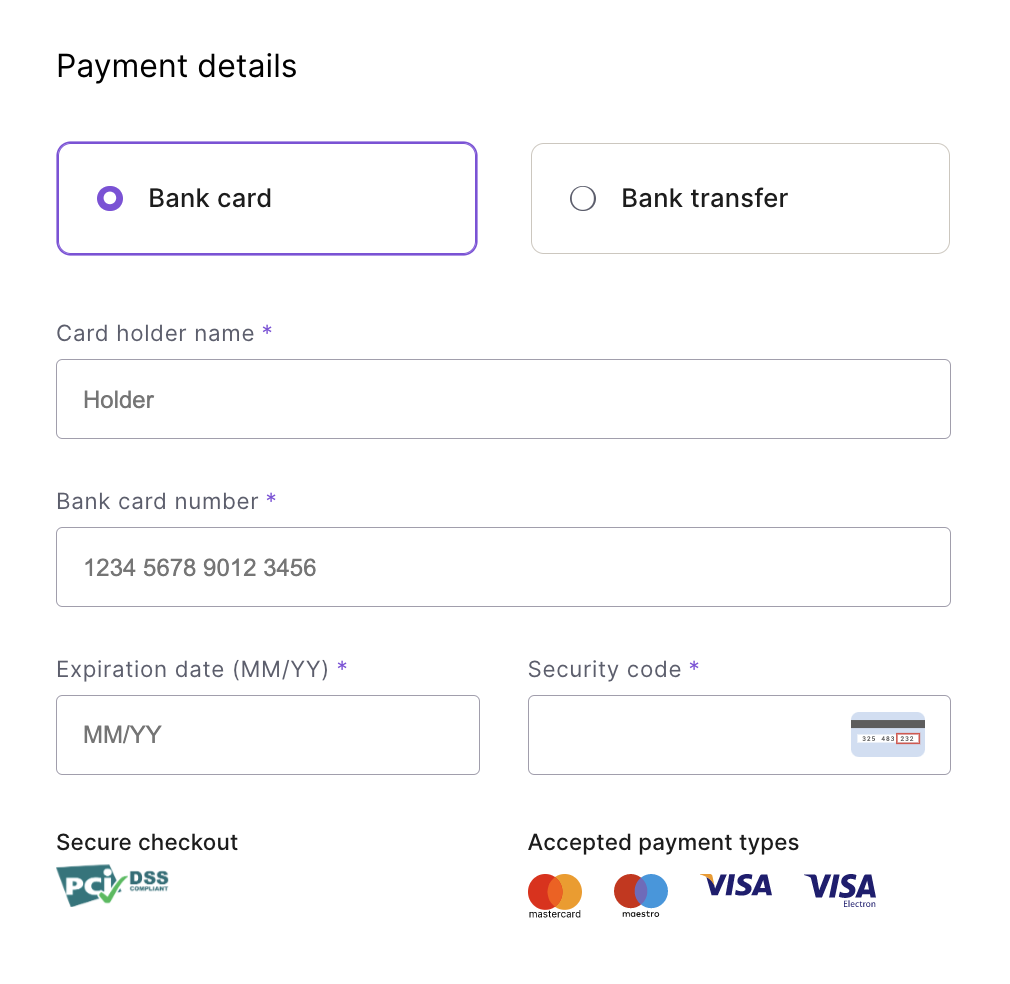
4. Select the payment type.
| Note: Bank transfers are only available for yearly billing cycles. |
5. If you selected the monthly billing cycle, fill out the order with your bank card information.
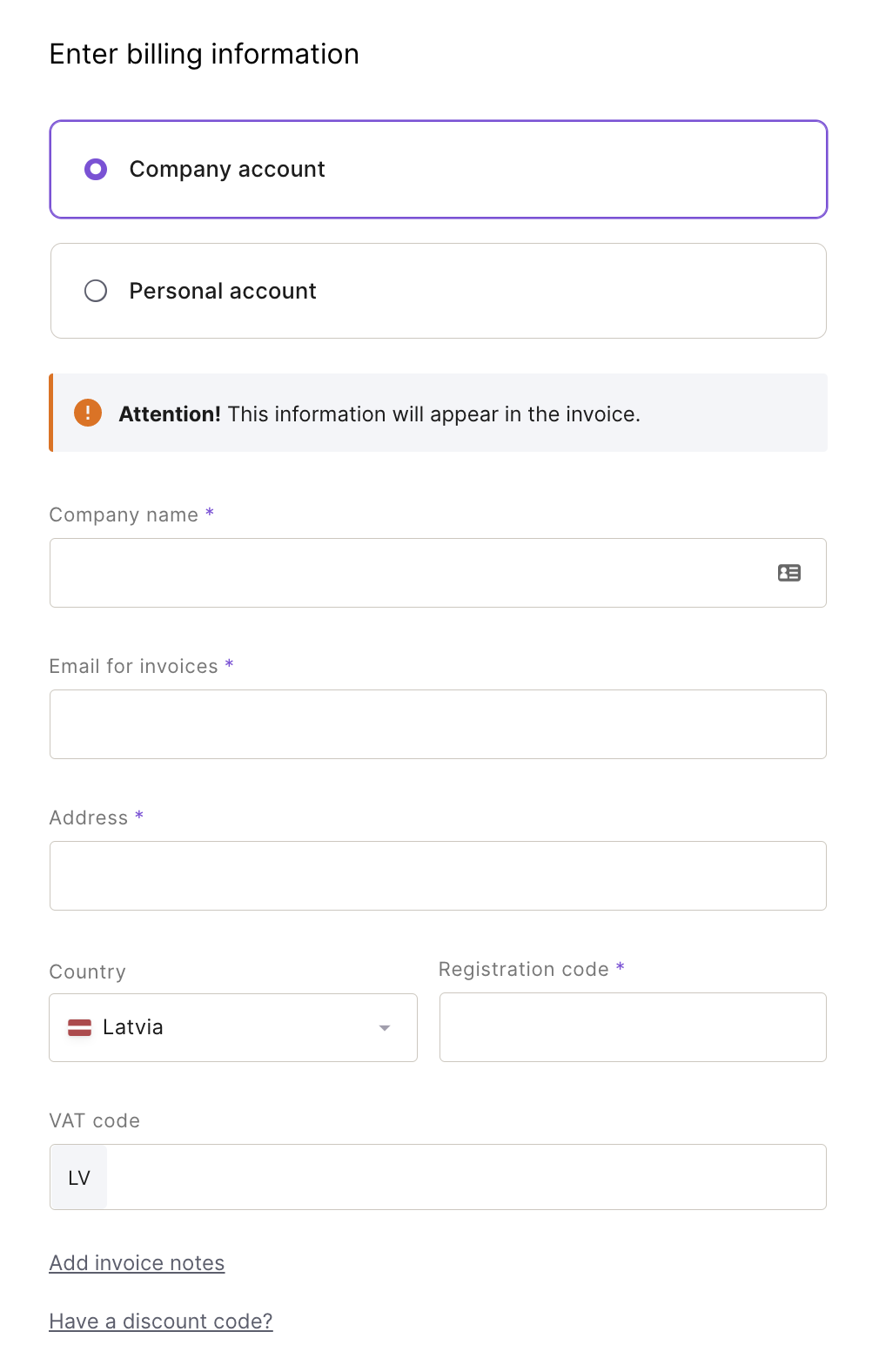
6. Select the appropriate account type (personal or company) and fill in the required fields below.
| Note: This information will be included on all future invoices, so please ensure it is accurate. |
7. Review your order information, get acquainted with and agree to the Dokobit Terms of Service. Once you're ready to finalize the purchase, at the bottom of the page, press Pay.
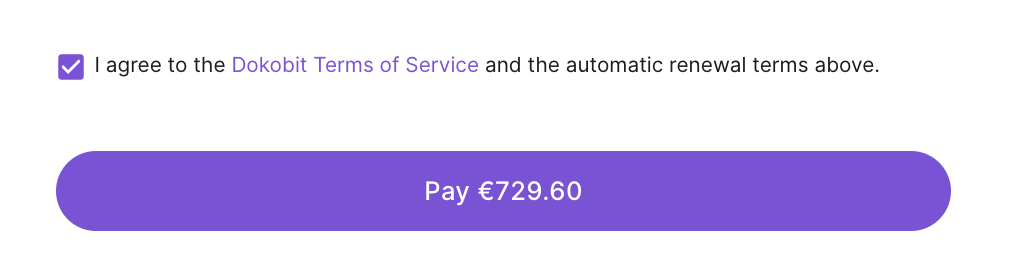
You will then be charged or billed instantly (depending on the selected payment method), and the invoice will be sent to your listed email address and stored in your Settings under the Billing category.
|
Note:
|
Who covers the cost of signatures when more than one party is involved in signing?
If a document owner has a Free account, each signing party will cover the cost of their own signature (it will be counted towards their monthly signature count quota).
If a document owner is a paid plan user, they will be financially responsible for all signatures from all parties involved.