If you want to permanently delete your Dokobit by Signicat account, follow the steps below.
If you want to keep your account and just cancel your subscription, please follow the instructions available here.
|
Important!
Before deleting your account, we strongly recommend downloading any documents you wish to keep. |
2. Open the Settings by pressing the gear icon next to your name and email address.
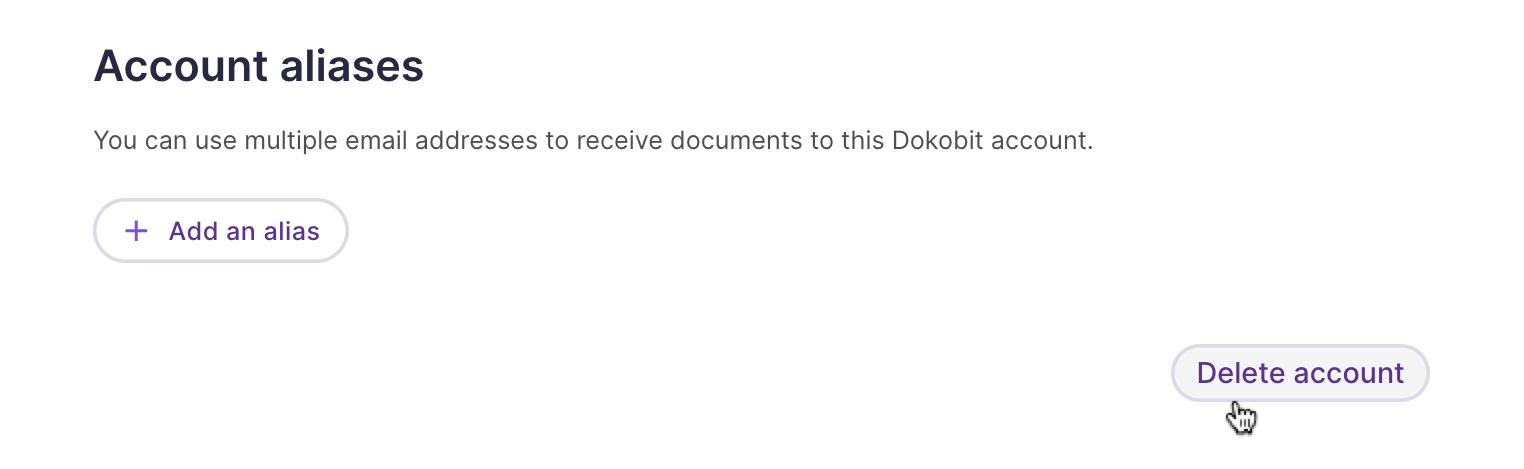
3. Press the Delete account button at the bottom right corner of your profile page and confirm the action.
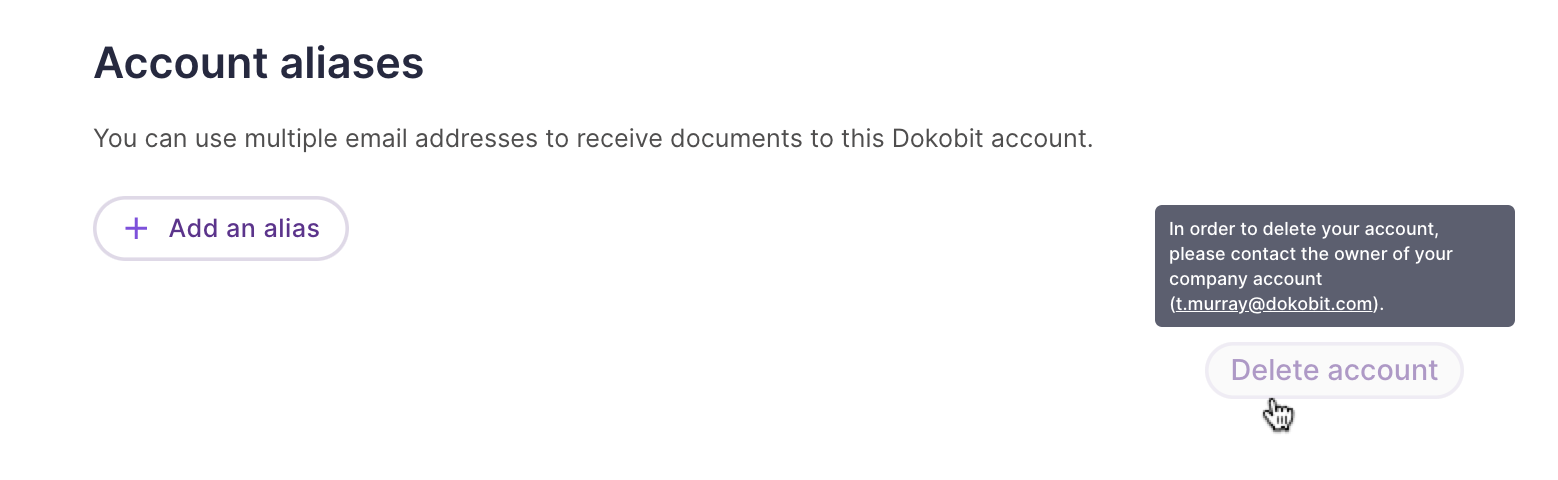
If you have been added as a company account user, then the "Delete account" button will be inactive because only the company account owner or administrator is able to delete the accounts of added users. If necessary, please reach out to them for further assistance.
| If you were experiencing any issues or if the Dokobit portal did not meet your needs, we would really appreciate it if you could let us know by reaching out to us at support@dokobit.com. Your feedback is important to us. |